
how to set expectations with clients
How to Set Expectations With Clients: Freelance Guide
Learn how to set expectations with clients for freelance projects: clarify scope, timelines, communication, and changes—plus scripts and checklists.
What to clarify upfront (before the first draft)
Before you start, you want one clear goal: make it easy for the client to know what will happen next, what “done” means, and how changes work.
A good expectation plan answers questions like:
- What exactly are we making?
- What’s included (and what’s not)?
- How long will it take, and what can slow it down?
- How often do we communicate, and what counts as a “response”?
- If they ask for new things, how do we decide whether it fits?
1) Scope boundaries (what’s in vs. out)
Scope boundaries are the fastest way to prevent “I thought you were going to…” moments.
In your scope, list what you will do and what you won’t do.
Example scope boundary bullets (customize these):
- Included: 1 brand discovery call, 2 design directions, up to 2 revision rounds per direction
- Included: final files in agreed formats
- Not included: ongoing social media posting, copywriting beyond the provided text, or ongoing maintenance
Tip: If a task depends on the client (like approvals or content), name it as an input they must provide.
2) Deliverables definition (so “done” is measurable)
“Done” should be something you can point to.
Define deliverables with:
- The format (PDF, Figma file, Word doc, staging link, etc.)
- The amount (pages, screens, posts, emails)
- The quality bar (what’s reviewed vs. what’s polished)
- The acceptance method (who signs off and how)
Deliverables example:
- “A 6-page website draft in Figma, including homepage + 5 subpages, with responsive layout notes.”
- “A 3-email sequence in Google Docs, ready for your platform upload, including subject lines and call-to-action text.”
3) What’s included/excluded in your process
Clients often confuse your project work with your process tasks. Put your process in plain terms.
Include a simple process outline:
- Discovery / intake
- Drafting / building
- Review cycles
- Revisions
- Handoff and final packaging
Then add “not included” items that protect your time.
Common “excluded” items to consider:
- Unlimited rounds of revisions
- Rush work without a separate fee or schedule change
- Client-provided assets that are missing or require basic rework beyond the original agreement
- Calls outside the agreed number (add-ons can be priced)
4) Document agreements in plain language
Big contracts are hard to follow when emotions run high. Your goal is agreement text that a busy client can actually read.
Use short sections with simple headings, and include bullets.
How to document agreements in plain language
A plain-language agreement can live in your proposal, a statement of work (SOW), or an email thread you both confirm.
Here’s a simple structure you can reuse:
“Project snapshot”
- Project goal (1–2 sentences)
- Deliverables (bullets)
- Timeline summary (bullets)
- Review cycles (bullets)
- Payment and schedule (brief)
“What you’ll get”
List deliverables and formats.
“What you need to provide”
- Brand assets
- Copy/content
- Access (accounts, hosting, login, admin rights)
- Approval contact
“What happens if something changes”
- How revision requests work
- How new requests get handled
- Decision rules (what gets paused, what gets added)
If you want one rule: write so your client can summarize it back in their own words without guessing.
Examples of expectation statements for common projects
Below are examples you can copy and tweak. The goal is to make your expectations sound normal, not “legal.”
Design (branding / UI)
Expectation statement (scope + deliverables):
- “You’ll receive 2 design directions, each with key screens or brand touchpoints. After you review, we’ll complete up to 2 revision rounds per direction based on your consolidated feedback.”
Expectation statement (assets + inputs):
- “We’ll use your provided logos, fonts, and brand notes. If you don’t have them yet, we can continue with placeholders, but final delivery will depend on when the assets are ready.”
Development (web / integration)
Expectation statement (access + dependencies):
- “Development starts after we have the required access, any API documentation, and the staging environment ready. If access arrives late, timelines adjust to match.”
Expectation statement (review + QA):
- “Each iteration includes a working demo plus a short list of known items. Your review feedback should be grouped so we can fix them in the next pass.”
Writing (website / blog series)
Expectation statement (inputs + approvals):
- “Drafts are written based on your outline, interviews (if included), and any existing brand voice notes. Feedback should be focused on structure first, then wording.”
Expectation statement (turnaround + edits):
- “We’ll do 1 revision cycle for each piece after the first draft. Additional rounds are available if requested as an add-on.”
Marketing (campaign / email / content strategy)
Expectation statement (definition of done):
- “Deliverables include campaign messaging, targeting notes, and the full set of assets in the agreed formats (e.g., 5 email drafts + subject lines). Publishing and performance optimization are not included unless added to scope.”
Expectation statement (review cadence):
- “We’ll run a weekly review check-in. Feedback needs to be submitted by the review deadline so the assets can be finalized in the next send-ready batch.”

How to set timelines (so delays don’t become arguments)
Timelines go wrong when people think the same thing when they hear “timeline,” but they don’t.
Make it clear that your schedule includes:
- Your work time
- Their response/approval time
- Any dependencies (systems, assets, approvals)
- Review cycles (where feedback happens)
1) Start with dependencies (who has to do what)
List the inputs that you need to move forward. Then name the impact if they’re late.
Dependency examples:
- Client provides brand assets by Tuesday
- Client confirms tone-of-voice choices
- Client provides copy for landing pages
- Client schedules a decision maker for review
Write a simple line like:
- “If assets aren’t provided by the agreed date, the next draft will shift accordingly.”
2) Build review cycles into the schedule
A timeline that doesn’t include reviews is just wishful thinking.
Common structure:
- You deliver draft by a date
- Client reviews within a defined window
- You revise within a defined turnaround
Example timeline language:
- Draft delivery: Tue
- Client review window: Tue–Thu
- Revisions delivered: Fri
3) Turnaround times (your response-time norms)
Response time norms reduce stress. Decide what you can realistically do.
Pick something you can repeat:
- “Replies within 1 business day.”
- “Detailed feedback within 2–3 business days after receiving your comments.”
Then clarify what counts as a response:
- Short “received” notes
- Requests for missing info
- Approval or “needs changes”
4) Use decision points to prevent timeline drag
Decision points are where you pause and ask for a clear yes/no.
Examples:
- “Approve direction A or B by Friday.”
- “Confirm final messaging by next Wednesday.”
- “Choose which 3 integrations to include in V1.”
If the client doesn’t decide, work stalls. Make that relationship obvious.
Communication expectations (cadence, where updates live, what “response” means)
You’re not just setting how often you talk—you’re setting how work moves.
Set a cadence you can actually follow
Choose a communication rhythm that matches your workload.
Options freelancers commonly use:
- Weekly progress update (email or shared doc)
- One scheduled check-in call for each milestone
- Async updates in a single place (so history isn’t scattered)
Then confirm:
- “I’ll send progress updates every Friday. You’ll send feedback by Wednesday so I have time to revise before the next milestone.”
Define response-time norms
Write a clear “what happens when”.
Example norms:
- “If you message with a quick question, I’ll respond within 1 business day.”
- “For feedback on drafts, I’ll wait for the consolidated comments. I’m aiming to turn revisions within 2–3 business days.”
Tell clients where updates live
Choose one home for updates.
Examples:
- A project management tool (ticket updates + status)
- A shared document (with version history)
- An email thread that you consistently continue
Then say:
- “All project updates and files will live in [tool/name]. Please comment there so we can keep everything in one place.”
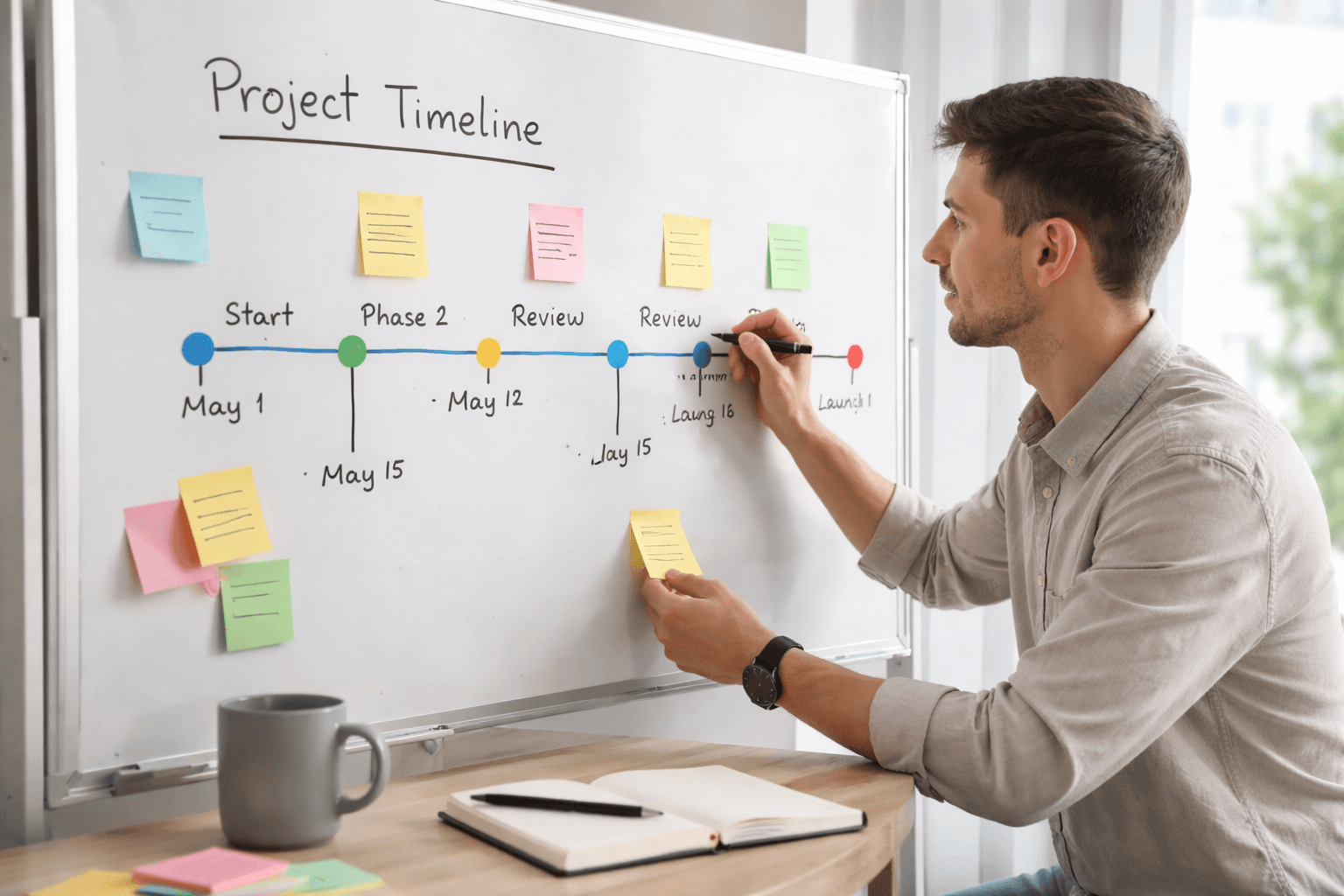
Change expectations (revisions vs. new requests)
Changes will happen. Your job is to make them predictable.
A useful way to manage changes is:
- Revisions = fixing within the agreed scope
- New requests = additional scope that may affect time/cost
1) Clarify how revisions work
State what counts as revision.
Revision criteria examples:
- “Feedback that improves clarity, layout, and alignment with the original brief.”
- “Edits to existing deliverables within the agreed number of rounds.”
And define revision process:
- Client provides feedback in one batch
- You update based on priorities
- You deliver the revised version
2) Explain how new requests are handled
State what counts as a new request.
Common new request triggers:
- Adding new pages/screens/emails
- Changing the goal or audience without adjusting scope
- New tech requirements or extra integrations
- Rush delivery
Clear language example:
- “If you’d like to add features or deliverables beyond what’s listed in the scope, I’ll confirm the impact on timeline and price before we proceed.”
3) Build in decision rules
Create rules for what happens when a change request arrives.
Decision rules examples:
- “We can either (a) add scope and adjust timeline, or (b) keep timeline and remove something else.”
- “We’ll prioritize your top items, and everything else will move to a later phase.”
4) Tie changes to documentation
When scope changes, document it.
Tie changes to:
- An updated scope list
- An updated milestone date
- An agreed pricing or time adjustment
You can keep it simple:
- “Any added work will be confirmed in writing (email or SOW update) before I start.”
Questions to ask in the first call
Your first call should gather facts that become your expectations.
Ask questions like:
- What outcome do you want—who is it for, and how will you measure success?
- What’s already decided (brand, style, tools, platform), and what’s still up for choice?
- What deliverables do you expect, and what would “done” look like to you?
- What’s in scope vs. out of scope (based on your understanding)?
- What assets or content do you already have, and what still needs to be created/provided?
- Who will review drafts, and what’s their availability to respond?
- How many revision rounds do you expect, and how do you want feedback delivered (comments, bullets, call)?
- What deadlines matter most, and what’s flexible?
- Are there dependencies on other people (IT, legal, a marketing team, approvals)?
- What’s your ideal communication rhythm for this project?

Not sure where your freelance business stands? The Freelance Business Check is a quick way to spot weak spots before they turn into late nights or lost income.
Practical templates (kickoff agenda + expectation email)
Use templates to remove guesswork. You’re not trying to be “formal”—you’re trying to be clear.
Client kickoff agenda (expectations-forward)
Send or use this agenda in your kickoff call.
Kickoff agenda (45–60 minutes):
- Quick introductions + roles (who decides, who reviews)
- Project goal and success criteria
- Deliverables: what you’ll receive, formats, and examples
- Scope boundaries: what’s included and what’s not
- Inputs needed from the client (assets, access, content)
- Timeline: milestones, review windows, turnaround times
- Communication plan: cadence, where updates live, response-time norms
- Revisions vs. new requests: how changes are handled
- Definition of done: acceptance checklist
- Next steps: what happens in the next 3–5 days
Expectation email checklist (send within 24 hours)
After the call, send a short email that confirms decisions.
Checklist:
- Restate the project goal in 2–3 sentences
- List deliverables and formats
- Confirm review cycles and revision rounds
- Confirm timeline milestones and review/turnaround windows
- Name what you need from the client + due dates
- Confirm communication cadence and where updates live
- Explain change rules (revisions vs. new requests)
- Include a “definition of done” bullet list
- Ask for a clear reply: “Confirming we agree on the plan above.”
Related reading: How to Manage Freelance Projects (Kickoff to Done) · What to Include in a Freelance Contract (Checklist)
“Definition of done” bullets (fill in for any project)
Add this to your kickoff email or SOW. Fill in the blanks:
- The deliverable matches the agreed specs and format.
- Feedback from the agreed revision cycle has been applied.
- All required assets were provided or replaced with placeholders (if noted).
- The final handoff includes the agreed files + any setup instructions.
- The client confirms acceptance by responding with approval or a short “changes needed” list.
If you can’t describe “done” in bullets, you don’t yet have an agreement.## Freelancer checklist: run the kickoff and manage expectations throughout delivery Use this list from start to finish. It’s designed to keep delivery calm even when something goes off track.
Before kickoff (prep)
- Review the proposal/SOW and make sure scope is clear in bullets
- Create a timeline that includes review windows
- Decide your communication cadence and response-time norms
- Prepare deliverable examples or past work references
- Confirm what you need from the client (assets, access, content)
During kickoff (alignment)
- Confirm roles: who approves, who provides feedback, who answers questions
- Walk through deliverables and “definition of done”
- Clarify scope boundaries (what’s in vs. out)
- Confirm the review and turnaround schedule
- Explain revision vs. new request rules
- Agree on where updates and feedback will live
After kickoff (locking expectations)
- Send the expectation email within 24 hours
- Ask for a clear confirmation reply
- Create a simple project plan (milestones + review windows)
- Set up the folder/tool where files and comments will go
During delivery (keep it calm)
- Share drafts on schedule (even if something is pending)
- Ask for feedback in one batch when possible
- Track decisions and update notes as you go
- If something changes, update the plan in writing
When issues appear (the recovery script)
If timelines slip or expectations get fuzzy, use a calm, structured message.
Recovery script (copy/paste):
- “Thanks—got it. To make sure we move forward smoothly, I want to confirm what changed.”
- “Here’s what’s in scope based on our last agreement: [1–2 bullets].”
- “Here’s what’s new/unclear: [what they’re asking for].”
- “Next options: (a) keep the timeline and adjust scope, or (b) keep scope and adjust timeline.”
- “If you confirm your choice, I’ll send an updated timeline and next deliverable date.”
Use the script to turn confusion into a decision.
If you set expectations clearly in the first call—and you repeat them in your timeline, communication, and change rules—your freelance projects are more predictable for both you and your client.