
how to follow up after sending proposal
How to Follow Up After Sending a Proposal (Freelance)
A step-by-step follow-up plan for freelance proposals: timing, tone, message templates, channel tips, sequences, and responses to common replies.
A reusable follow-up plan (timing + tone)
Sending the proposal is step one. Following up is how you help your client move forward.
A simple plan:
- Pick timing based on complexity (don’t use one schedule for every project).
- Use a calm, confident tone (no guilt, no panic).
- Make the next step easy (a clear CTA: approve, choose a call, or confirm requirements).
- Use multiple touches across a short window (but not daily).
Your goal is not to “check in.” Your goal is to reduce friction and get a clear yes, no, or next step.
When to follow up: a practical rule of thumb
Here’s a rule freelancers can reuse without overthinking.
- Simple proposals (1–3 weeks of work, clear scope): follow up in 2–3 business days.
- Medium proposals (multi-part scope, a few stakeholders): follow up in 4–5 business days.
- Complex proposals (long timeline, approvals, lots of questions): follow up in 7 business days.
Then use a sequence that spaces out your touches:
- Touch 1: early (2–3 business days)
- Touch 2: mid (5–6 business days)
- Touch 3: later (10–12 business days)
If you still don’t hear back after Touch 3, you can send a final “close the loop” message or move on—more on that in the decision tree.
Tone: confident, calm, decision-focused
A great follow-up reads like professional project management.
Aim for:
- Short (you’re reminding, not rewriting)
- Value-focused (what they get)
- Clear next step (what you want them to do)
- Low pressure (you’re being helpful, not demanding)
Avoid:
- Apologizing repeatedly
- “Just circling back” (it can sound like you’re nagging)
- Large blocks of text
- Asking open-ended questions like “Any thoughts?”
A quick tone check
If your client replied “not now” or “we’re reviewing,” would your message help them respond easily? If not, revise.
How to craft the follow-up message (what to include)
Your follow-up should do three jobs:
- Reference the proposal and when you sent it
- Remind them what’s in it (one sentence)
- Ask for a specific next step
Use this checklist:
- One sentence summary of the proposal (scope + outcome)
- 1–2 bullet points max (key value or deliverables)
- A clear CTA:
- “If this looks good, I can start on [date]. Reply ‘approved.’”
- “Want to schedule a 10-minute call to finalize the details?”
- “If you’d like changes, tell me what to adjust and I’ll update it.”
- Offer help with common blockers (timeline, budget, requirements)
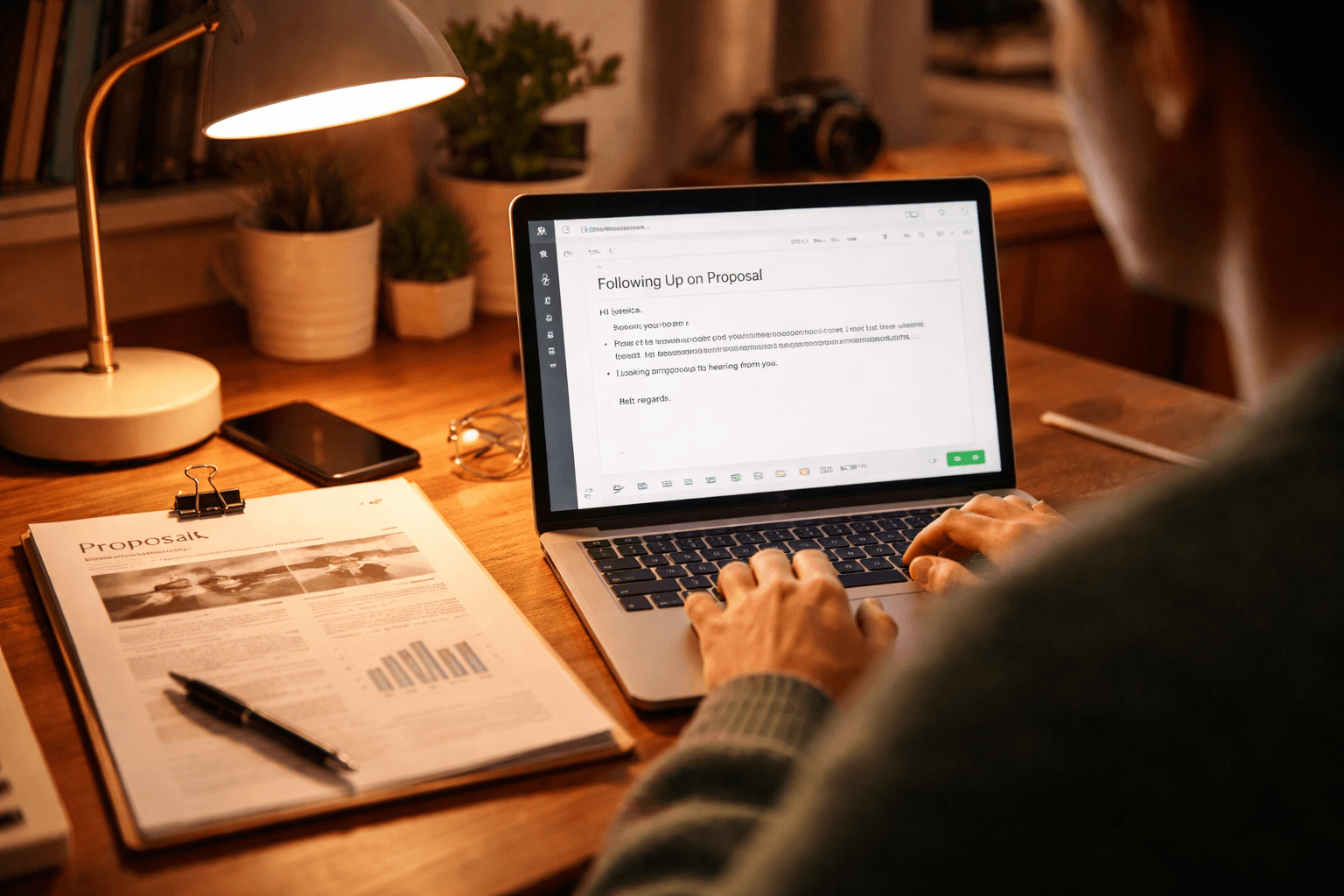
Use this message structure
Here’s a reusable structure that works in email and portal messages.
Subject: Proposal for [Project] — next step?
Body (copy/paste style):
- Hi [Name],
- I hope you’re doing well. I wanted to follow up on the proposal I sent for [project/outcome] on [date].
- Quick reminder: the scope includes [deliverable 1] and [deliverable 2], with a timeline of [timeline].
- Next step: If you’d like to move forward, reply “approved” and I’ll send the kickoff details. If you want changes, tell me what to adjust.
- Thanks,
- [Your name]
Keep it tight. The more you respect their time, the more likely they’ll reply.
Channel choice: email vs portal vs text vs phone
Different channels fit different situations.
Best for:
- Most freelancer proposals
- Clear documentation
- Multi-step decisions
How to use it:
- Send the follow-up email on your schedule
- Keep attachments minimal (usually none; link or re-send only if asked)
Client portal / proposal platform
Best for:
- Projects managed in Upwork-style portals or shared proposal systems
- When the client has “status” visibility
Tip:
- Use portal messaging for Touch 1 or Touch 2, then email if email is their primary channel.
Text
Best for:
- Existing relationship
- Quick confirmation requests (not full negotiations)
Rule:
- Use text only when you already have permission and a prior texting history.
Phone call
Best for:
- High-stakes projects
- When you’ve reached your third touch and want a fast “yes/no”
Tip:
- Call once, leave a short voicemail, and follow up with an email summary.
If you’re unsure, default to email and use other channels sparingly.
Example: Day 3 follow-up email (short + CTA)
Subject: Proposal for [Project] — quick next step
Hi [Name],
I’m following up on the proposal I sent for [project/outcome] on [date].
It covers [deliverable 1] and [deliverable 2] and I can start once we confirm the scope.
Next step: If you’d like me to proceed, reply “approved” and I’ll send the kickoff details. If you want edits, tell me what to change.
Thanks, [Your name]
Follow-up sequences: 3+ touches with subject lines
Use this as a baseline sequence. Adjust timing based on complexity.
Sequence A (most freelancers): Day 2–3, Day 5–6, Day 10–12
- Touch 1: Day 2–3 (gentle, short, clear CTA)
- Touch 2: Day 5–6 (add a helpful option: call time or confirm questions)
- Touch 3: Day 10–12 (close the loop; offer one final path)

Touch 1 template (2–3 business days)
Subject: Proposal for [Project] — next step?
Hi [Name],
Just checking in on the proposal I sent for [project/outcome] on [date].
In short, it includes [deliverable 1] and [deliverable 2], with an estimated timeline of [timeline].
If you’d like to move forward, reply “approved.” If you want adjustments, tell me what to change and I’ll update the proposal.
Thanks, [Your name]
Touch 2 template (5–6 business days)
Subject: Quick question on the [Project] proposal
Hi [Name],
Following up again on the proposal for [project/outcome].
To make this easy, here are two paths:
- Approve: I’ll schedule kickoff for [suggested start window].
- Adjust: Tell me what you’d like to change (scope, timeline, or budget) and I’ll revise.
If you prefer, I can also do a quick 10-minute call to finalize details.
What works best?
Best, [Your name]
Touch 3 template (10–12 business days)
Subject: Should I keep this open for [Project]?
Hi [Name],
I wanted to close the loop on the proposal for [project/outcome].
If you’d like to move ahead, I can start with the kickoff plan as soon as you confirm scope and timeline. If the timing has changed, that’s totally fine—just let me know the new target date.
If you’ve decided to go in a different direction, I’d appreciate a quick “not moving forward” reply so I can plan my schedule.
Thanks again, [Your name]

How to respond to common replies
Clients don’t always say what they mean. Your job is to make their response turn into a next step.
Reply: “We’re reviewing.”
Your goal: keep them moving without sounding impatient.
Option: Hi [Name]—thanks for the update. Do you have an estimated timeline for when you’ll be ready to decide? If you want, I can also answer any last questions to help speed up the review.
Reply: “Send revised.”
You want clarity on what changed.
Hi [Name], got it. What would you like revised—scope, timeline, budget, or deliverables? If you can share any notes from your review, I’ll turn around an updated version quickly.
Reply: “Not now.”
Treat it like information, not rejection.
Hi [Name], thanks for letting me know. Would you like to revisit this in [month/quarter]? If you tell me what you’re aiming for, I can share a quick plan or updated estimate when you’re ready.
Reply: “Can you lower the price?”
Lowering price without protecting your scope can trap you later.
Hi [Name]—I can look at options. Before I adjust the price, can you tell me which parts are must-have versus optional? If we reduce scope or change timeline, I can offer a revised quote that still works for quality and delivery.
Not sure where your freelance business stands? The Freelance Business Check is a quick way to spot weak spots before they turn into late nights or lost income.
What to avoid (that quietly kills proposal momentum)
These are small mistakes that cost freelancers a lot.
- Multiple attachments in follow-ups
- Attachments slow things down and can look messy.
- Instead: re-send the proposal once if needed or link to the document if your system supports it.
- Guilt or pressure
- Avoid: “Just checking you didn’t forget about me.”
- Use: “Do you have a next step in mind?”
- Unclear next steps
- If your message doesn’t tell them what to do next, they’ll delay.
- Over-explaining
- Your follow-up should be shorter than your original proposal.
- Changing scope in your follow-up
- Don’t rewrite the terms casually. Ask what needs revision, then confirm in a new version.
Related reading: Proposal Software for Freelancers: How to Choose · How to Ask Past Clients for Referrals (Tactfully)
Mini decision tree: what to do next
Use this to respond fast and consistently.
If there’s no response
- Send Touch 1 on schedule (2–3 business days for simple proposals).
- Send Touch 2 with a choice (approve vs revise vs call).
- Send Touch 3 with a close-the-loop question.
- If still no reply after Touch 3:
- Send one final message and/or move on to other leads.
- Your final message can be: “Should I close this out for now?”
If the email is viewed/proposal delivered (read receipts or portal status)
Treat it like “they saw it,” not “they decided.”
Message idea: Hi [Name]—thanks for opening the proposal. Do you have what you need to make a decision, or is there a question I can answer?
If they say “We’re reviewing”
Ask for a timeline.
- Do you have an estimated decision date?
- If they need something, offer to answer questions.
If they ask for revisions
Get specifics, then confirm.
- Ask what to revise (scope/timeline/budget/deliverables)
- Confirm you’ll send an updated version
- Offer a quick turnaround window
If they say “Not now”
Offer a future path.
- Ask when to revisit
- Offer help or an updated estimate later
- Keep it polite and short## Closing: consistency beats intensity You don’t need to send 10 messages. You need a repeatable process.
If you follow the timing rules, keep your tone calm, and make the CTA easy, you’ll get more replies—and more decisions.
Pick one sequence today (like Sequence A), save the templates, and use it on your next proposal. Your future self will thank you.