
how to become a freelance video editor
How to Become a Freelance Video Editor (Step-by-Step)
Learn how to become a freelance video editor: build skills, a portfolio, pricing basics, finding clients, and running your workflow so you get paid on time.
Freelance video editing looks simple from the outside. You edit clips, send files, and get paid. In reality, most new editors struggle with the same things: figuring out what to charge, getting steady clients, and avoiding messy scope changes.
This guide gives you a step-by-step path to become a freelance video editor, with practical examples you can use right away.
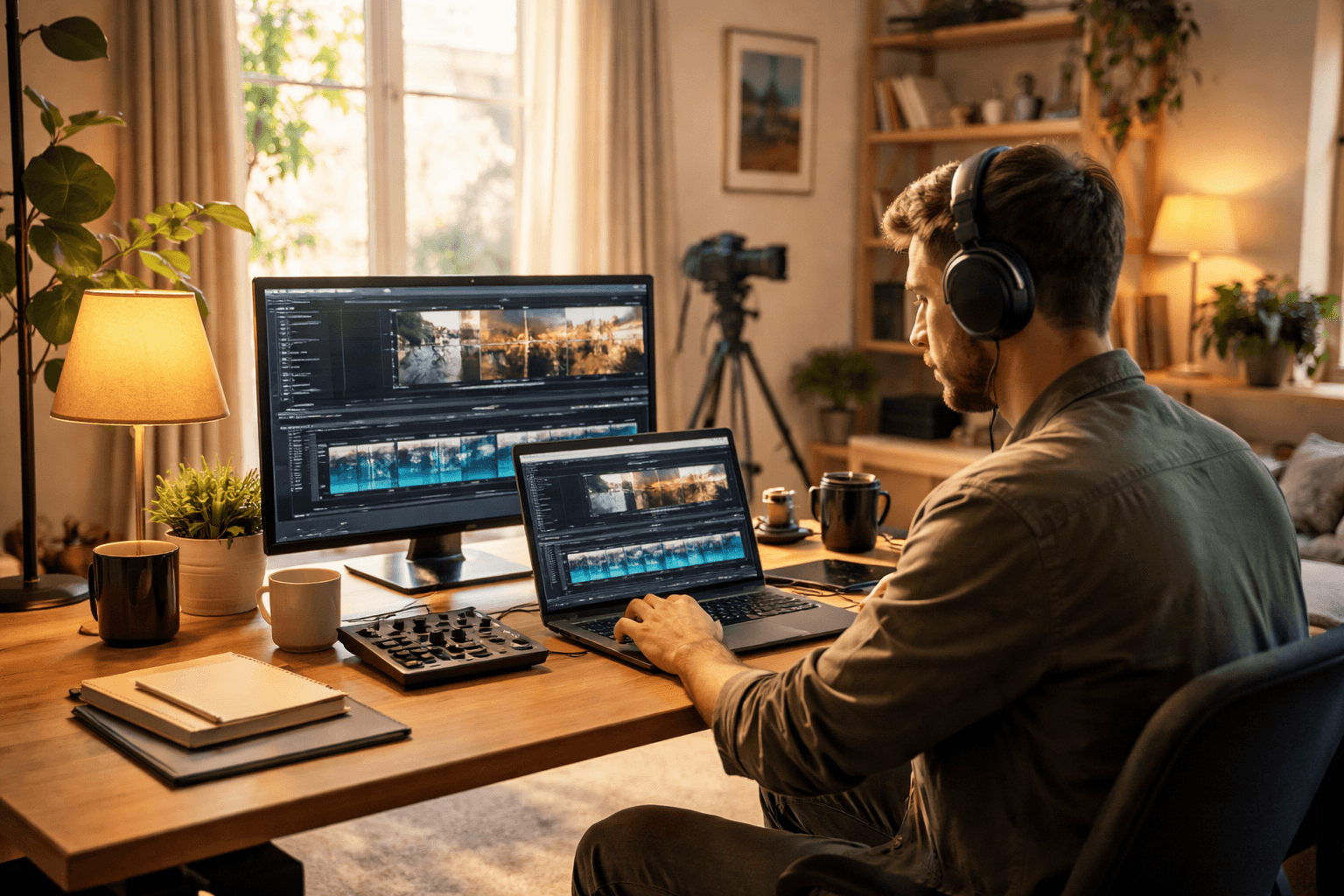
1) Learn the editing skills that actually get clients
Before you chase clients, pick a target “editing lane.” Clients don’t hire “general editing skills.” They hire outcomes, like tighter retention, cleaner audio, or faster turnaround.
Start with the core editing checklist
Focus on these skills first. If you can do these well, you can edit for many types of videos.
- Story/structure edits: trimming, pacing, removing dead air, improving flow
- Cutting for retention (for YouTube/TikTok): tightening intros, removing delays, managing pattern breaks
- Audio cleanup: noise reduction, leveling, de-essing, fixing muffled dialogue
- Basic color correction: making footage look consistent across clips
- Exporting correctly: correct settings for platforms (resolution, codec, bitrate basics)
- Organized file workflow: naming projects, managing media, backing up exports
Choose one main editor (and get fast)
Pick a primary tool and commit long enough to become quick.
- Adobe Premiere Pro (popular for many professional workflows)
- Final Cut Pro (common with Mac-based creators)
- DaVinci Resolve (often used when color is a big part of the work)
Speed matters more than tool variety. Clients notice turnaround times.
Practice with “real-ish” projects
When you’re learning, create projects that mimic client work. For example:
- Edit a 5–8 minute YouTube video from a provided raw clip set.
- Take a podcast episode (or short interview) and make it sound clean and consistent.
- Recut a product demo into a 30–60 second ad version.
Don’t just finish projects. Time your process. If you can’t tell where you lose hours, you’ll struggle with pricing.
2) Build a portfolio that makes it easy to say “yes”
A portfolio doesn’t need to be huge. It needs to show range and clear before/after thinking.
Use 3 portfolio projects that match real client needs
Aim for:
- Long-form edit (YouTube, podcast, webinar)
- Interview or talking-head edit (clean audio, pacing)
- Short-form edit (Reels/TikTok/ads) with hooks and tighter cuts
If you don’t have client footage, use:
- royalty-free B-roll you can legally use
- sample footage from courses
- “mock client” projects where you set a clear goal (more retention, better audio, faster pacing)
Show your thinking, not only your final video
Clients want to know what you’ll do for them. For each project, include:
- the goal (example: “reduce filler, improve clarity”)
- your approach (example: “audio leveling, removal of repeated phrases, new intro hook”)
- what changed (before/after notes)
If you can, include a short written breakdown. Even 6–10 lines helps.
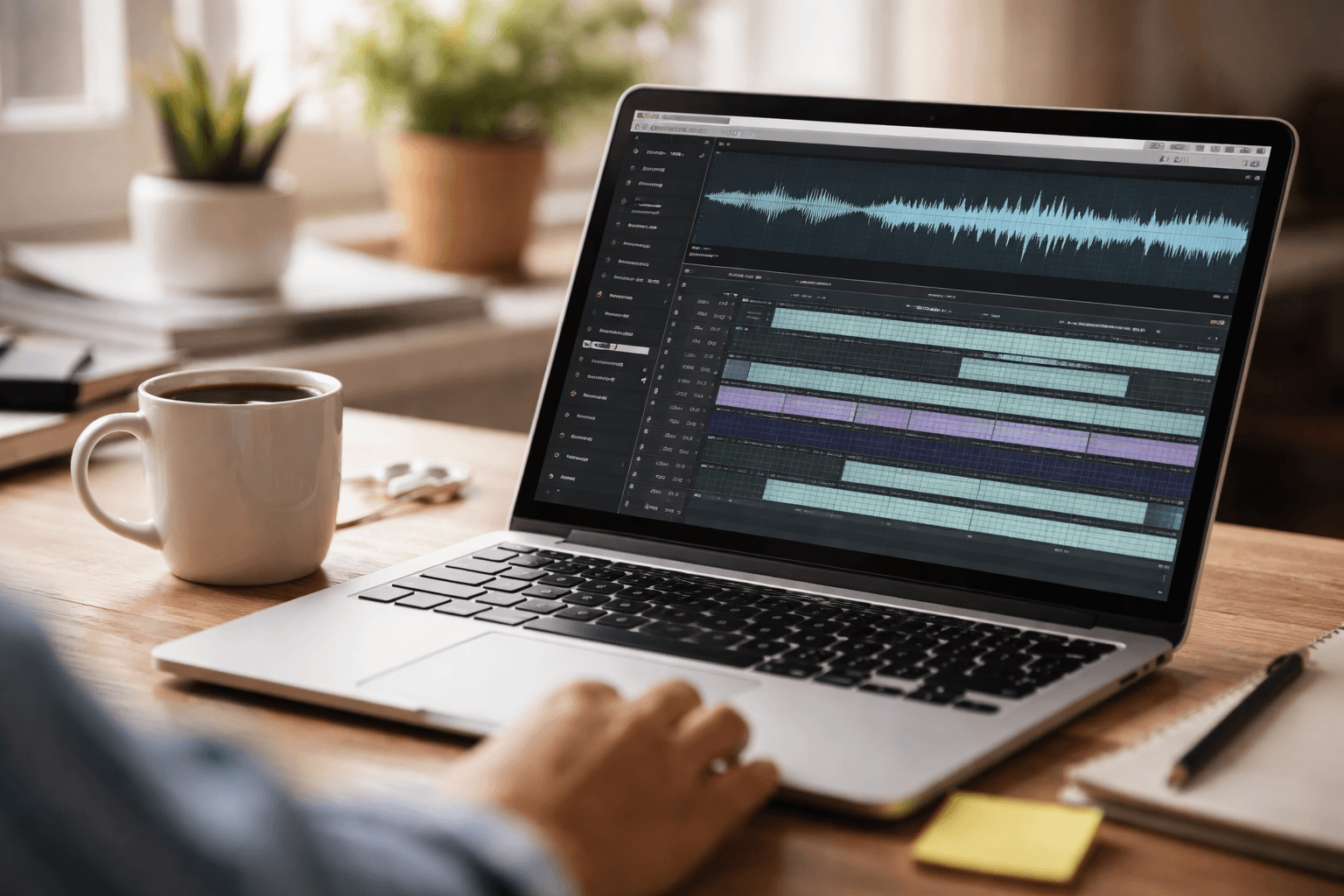
3) Decide how you’ll price (so you don’t work for free)
Most new freelance video editors price too low because they’re afraid to ask for more. The bigger risk is pricing too low and then getting stuck in endless revisions.
Start with one of these pricing models
Choose the model that fits your workflow.
- Hourly: simplest for early clients, but you need tight scope and tracking
- Per deliverable: great when the client knows what they want (ex: “1 short video”)
- Per package: “3 shorts/week” or “10 edits/month,” with clear limits
- Project + revisions: a fixed fee for the edit, then extra fees if changes exceed the revision limit
Use a revision rule to protect your time
Set a limit like:
- 1 revision round for the first draft
- additional revision rounds billed separately (or capped at a smaller amount)
This matters because video editing often includes “new requests” that are really scope changes.
Calculate a realistic baseline
Even if you don’t share it with clients, you need it internally.
- Pick a target monthly income.
- Estimate how many billable hours you can realistically get after admin and client communication.
- Add overhead time (exports, versioning, meetings, revisions).
Then you’ll know whether your quote makes sense.
If you want a quick check on your overall freelance health (pricing confidence, cash flow basics, and common gaps), use the Freelance Business Check.
4) Find clients without guessing
Your first clients don’t usually come from random posting. They come from clear outreach to people who already need editing.
Where freelance video editors get work
Try the places below based on your strengths.
- Creator networks: YouTube/TikTok creators who already post weekly
- Agencies (as subcontractor): steady work, but clarify turnaround and revision rules
- Marketing teams (contract): content refreshes, ad edits, campaign cutdowns
- Course creators and coaches: interviews, webinars, sales funnel videos
- Local businesses: event recap videos, promo ads, social cutdowns
Write outreach that earns replies
Your message should be short and specific.
A good outreach email includes:
- 1 line showing you understand their content
- 1 line describing how you help (outcome)
- 1 simple next step (example: “Want me to edit a 60-second sample from your latest video?”)
Avoid sending a “portfolio dump.” It’s better to link 1–3 matching samples.
Offer a small paid test if needed
If you struggle to convert leads, reduce risk with a small “paid test.” Examples:
- “$75 for a 60-second short cut”
- “$150 for an audio cleanup + 1-minute highlight”
This also helps you learn the true time cost of the job.

5) Run your freelance workflow like a business
This is where many editors lose money. Not because they can’t edit. Because they don’t control the process.
Set expectations before you start editing
Start every project with clear answers:
- Deliverables: what exactly are you making?
- Length and format: specs for each video
- Source material: where it comes from (raw footage, assets, brand guidelines)
- Timeline: when you start and when you deliver
- Revision limits: what counts as a revision vs a new request
Use a simple project workflow
Here’s a workflow that keeps things calm:
- Discovery: confirm deliverables, audience, and deadline
- Proposal/contract: include revision rule and acceptance process
- Kickoff: collect assets and confirm version naming
- Draft edit: deliver a first draft by the agreed date
- Revision round: one focused round, tracked with comments
- Final export: send finals + a project archive for safety
- Closeout: ask for testimonial/next project if it went well
Keep communication tight
Use one thread or place to collect feedback. If you get notes in emails, chats, and calls, your revision time explodes.
A good practice:
- Ask the client to comment on the draft by timestamp (example: “0:42 audio sounds low”)
- Summarize changes you’ll apply before you go back into the edit
Don’t let scope creep eat your margin
Scope creep usually shows up as:
- “Can you make it longer?”
- “Can you swap the music style?”
- “Actually, let’s add 3 more sections.”
Your response should be the same every time: confirm impact and quote the added work.
If it changes time or deliverables, it’s a new scope.
Use tools to centralize client work
As you get more clients, your work lives in too many places: email, file drives, invoices, schedules, and messages. A tool that centralizes proposals, contracts, invoicing, and client communication can reduce missing details and speed up follow-ups.
A realistic 30-day plan to get started
If you’re ready to move from “learning” to “freelance,” try this:
- Week 1: Pick your editor, complete 1 portfolio project, and write a short “what I do” statement
- Week 2: Build 2 more portfolio edits (long-form, short-form), then publish them as clear samples
- Week 3: Update your pricing approach and create a simple proposal template with revision limits
- Week 4: Send outreach to 20–40 leads, book 2–4 calls, and aim for 1 paid test edit
You’re not trying to “go viral.” You’re trying to prove you can deliver and you know how to run the job.
Related reading: How to Get Clients for Video Editing (Practical Plan) · How to Become a Freelance Digital Marketer (2026)
Conclusion: Your path is skills + proof + systems
To become a freelance video editor, you need three things working together: real editing skills, a portfolio that shows outcomes, and a process that keeps revisions and communication from draining your time.
When you’re ready to systemize proposals, contracts, invoicing, scheduling, and client messaging in one place, Jolix can help you run the business side so you can focus on the edit. Start with your next client workflow and tighten it from there.